
What is the Suunto Tank POD?
The Suunto Tank Pod is a wireless air pressure transmitter designed to enhance your diving experience by providing real-time tank pressure data to your dive computer. Like any electronic device, it requires periodic maintenance, including battery replacement. This guide will walk you through the battery replacement process for your Suunto Tank Pod.
What battery does the Suunto Tank POD use?
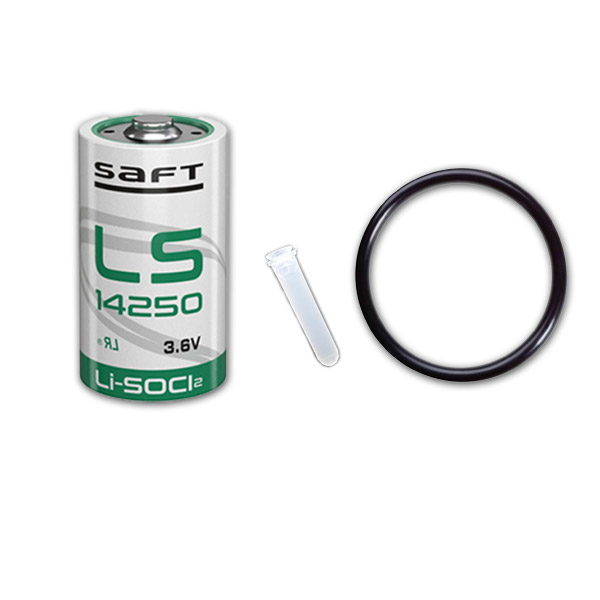
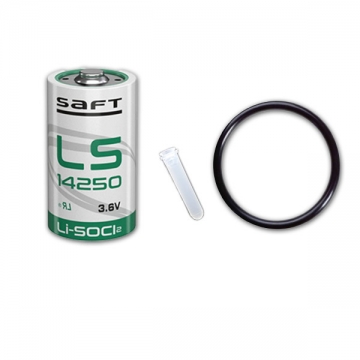
The Suunto Tank Pod uses an LS14250 3.6V lithium battery. It is crucial to use the correct battery type to ensure optimal performance and safety. We recommend using the Suunto Tank POD Battery Replacement Kit (LS14250 3.6V), which includes the necessary battery and sealing O-rings to maintain the device's waterproof integrity.
Do not confuse the Tank POD with a Suunto wireless transmitter. The Tank POD (Eon Steel / Eon Core) takes an LS14250 3.6V cell, while the wireless transmitter used with the D4i, D6i and D9 takes a 1/2 AA 3V cell. They are different batteries and different kits.
What you need to change a Tank POD battery
- Suunto Tank POD Battery Replacement Kit (LS14250 3.6V)
- Screwdriver suited for Suunto devices
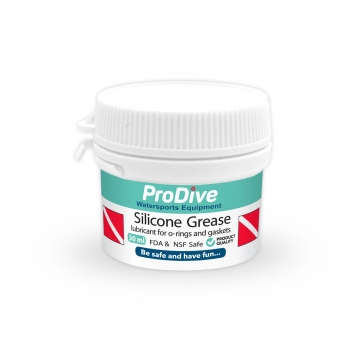
- Silicone grease (optional but recommended)
- Clean, lint-free cloth
How to replace a Suunto Tank POD battery
Follow these steps to replace your Suunto Tank Pod battery safely:
- Prepare Your Workspace: Ensure you have a clean, dry, and well-lit area to work in. Gather all the necessary tools and materials.
- Remove the Battery Compartment Cover: Use the appropriate screwdriver to carefully unscrew the battery compartment cover on the Tank Pod. Place the screws in a safe spot to avoid losing them.
- Remove the Old Battery: Gently remove the old LS14250 battery from its compartment. Dispose of the old battery responsibly, according to local regulations.
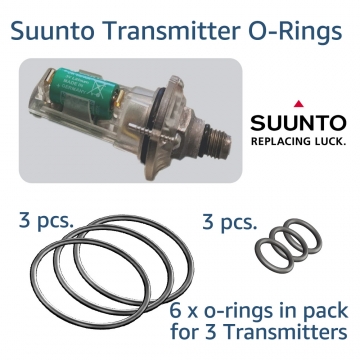
- Inspect the O-ring: Check the O-ring for any signs of wear or damage. If the O-ring appears compromised, replace it with the new one included in your replacement kit.
- Install the New Battery: Insert the new LS14250 battery into the compartment, ensuring the correct polarity. The positive side should face outwards.
- Lubricate the O-ring: Apply a thin layer of silicone grease to the O-ring to ensure a proper seal. This step helps maintain the device's waterproof capability.
- Close the Battery Compartment: Carefully place the battery compartment cover back in position and secure it with the screws. Tighten them evenly to avoid any gaps that could compromise the seal.
- Test the Device: Turn on your dive computer and check the connection with the Tank Pod to confirm the battery replacement was successful.
Common Tank POD battery mistakes
Always use the correct battery type and avoid mixing old and new batteries. Ensure the O-ring is in good condition to maintain the Tank Pod's waterproof features. If you're unsure about any step, consult the Suunto user manual or contact a professional technician.
Where to buy a Suunto Tank POD battery kit
Regular maintenance, including timely battery replacement, ensures that your Suunto Tank Pod functions correctly and safely. For all your diving needs, including replacement kits and maintenance tools, visit ProDive Shop. We stock a wide range of related products and ship worldwide to support divers wherever they are.
Leave your comment
Note: HTML is not translated!