
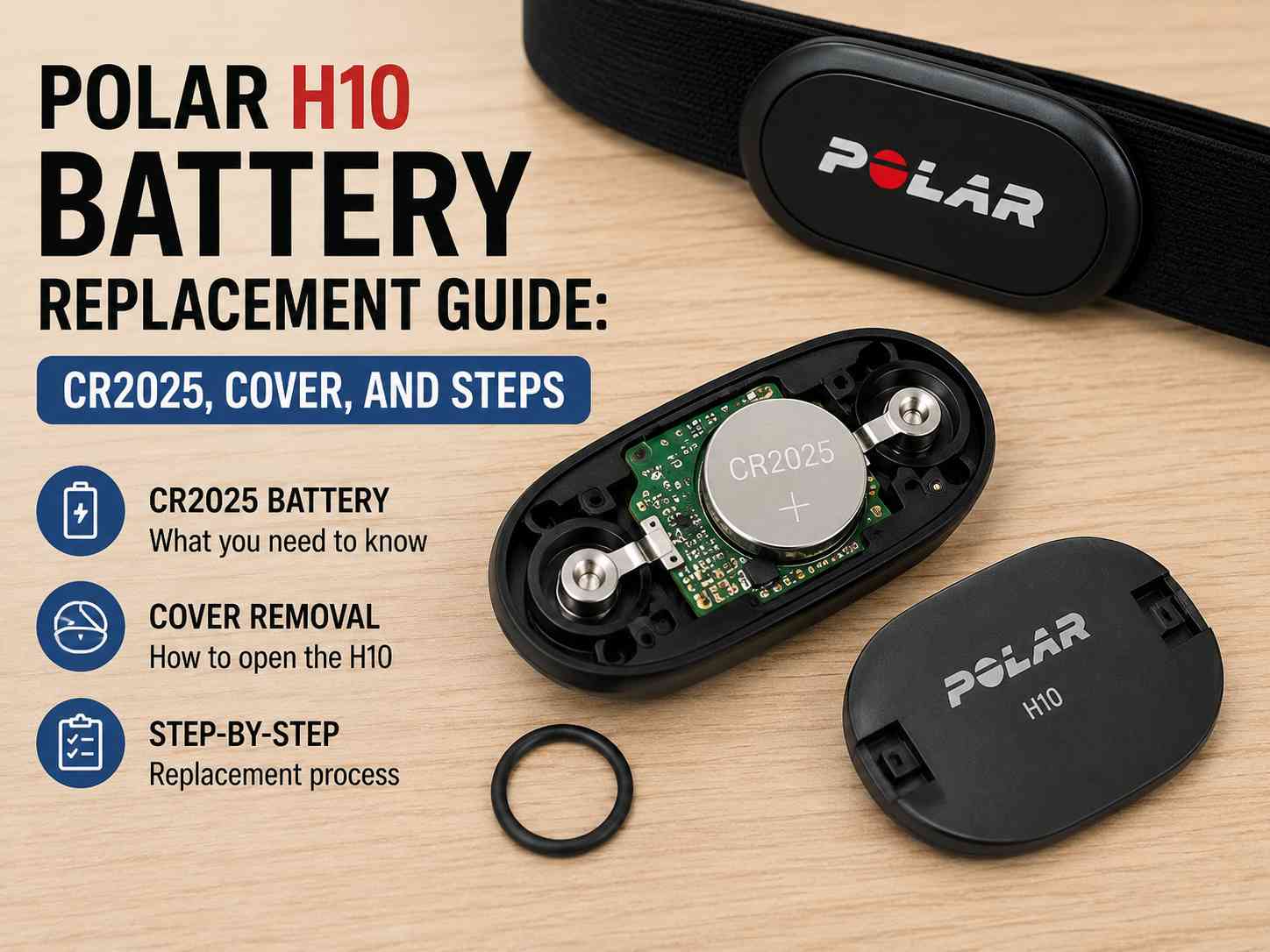
What battery does the Polar H10 use?
The Polar H10 heart rate sensor uses a CR2025 3V coin cell. The cover on the back of the sensor pod turns anticlockwise with a coin or small flat tool, and the O-ring underneath it is what keeps the pod watertight - check that O-ring every time you change the battery.
The Polar H10 heart rate monitor is a trusted companion for athletes and fitness enthusiasts. Known for its accuracy and reliability, the H10 is designed to track your heart rate during various activities. However, like all battery-operated devices, it requires a battery change from time to time to maintain its performance. In this guide, we'll outline the steps to replace the battery in your Polar H10, ensuring it continues to function optimally.
What you need to change a Polar H10 battery
- CR2025 battery
- A flat tool (such as a small screwdriver or coin)
- Silicone grease (optional, for maintaining the O-ring)
How to change the Polar H10 battery (8 steps)
Step 1: Prepare Your Workspace
Find a clean, dry area where you can work without interruptions. Lay down a cloth or towel to prevent small parts from rolling away.
Step 2: Remove the Sensor from the Strap
Detach the Polar H10 sensor from the chest strap. This will give you easy access to the battery compartment.
Step 3: Open the Battery Cover
Locate the battery cover on the back of the sensor. Use a flat tool, like a coin or small screwdriver, to turn the cover counterclockwise. This will unlock the cover, allowing you to remove it and access the battery compartment.
Step 4: Remove the Old Battery
Carefully take out the old CR2025 battery. Take note of its orientation so that you can insert the new battery correctly. Dispose of the old battery according to local regulations.
Step 5: Insert the New Battery
Place the new CR2025 battery into the compartment with the positive (+) side facing up. Ensure it's seated properly.
Step 6: Inspect the O-Ring
Before closing the battery cover, check the O-ring for any signs of wear or damage. If it's necessary, apply a small amount of silicone grease to maintain the watertight seal. This step is optional but recommended for prolonging the life of the sensor.
Step 7: Close the Battery Cover
Align the cover with the sensor and use your flat tool to turn it clockwise until it's securely fastened. Ensure there is no gap that could allow moisture or dirt to enter.
Step 8: Test the Sensor
Reattach the sensor to the chest strap and activate it by moistening the electrode areas of the strap. Check if the sensor is working by pairing it with your device.
Is it worth replacing the Polar H10 battery yourself?
Replacing the battery in your Polar H10 heart rate monitor is a straightforward process that can significantly extend the life of your device. By following these steps, you ensure that your heart rate monitor remains accurate and reliable for your training sessions.
ProDive Shop stocks a variety of replacement parts, including the Polar H10 battery kit, and ships worldwide. For more information, visit ProDive Shop.
Leave your comment
Note: HTML is not translated!